Explore Phos

A RAW editor.
Entirely yours.

A 16-bit extended linear Metal pipeline with zero-Python on-device AI. Keep your photos on your Mac and every adjustment reversible — free and open source.

macOS 26+ · Apple silicon · No account

Phos is macOS-only; Windows experimental build.

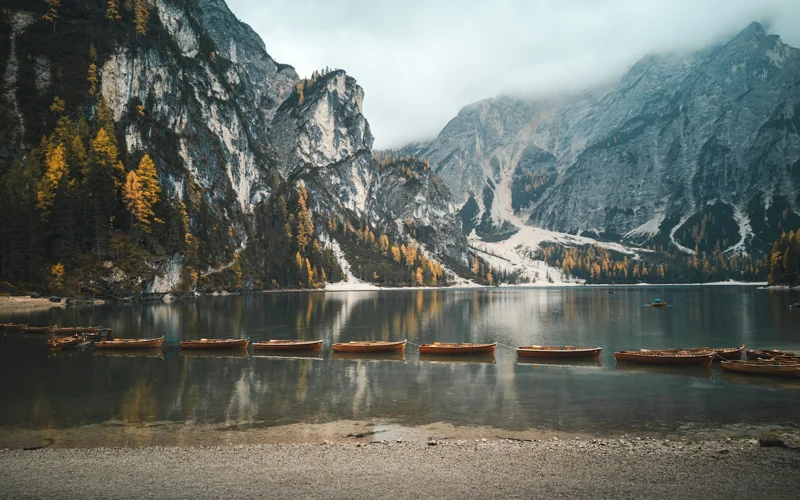
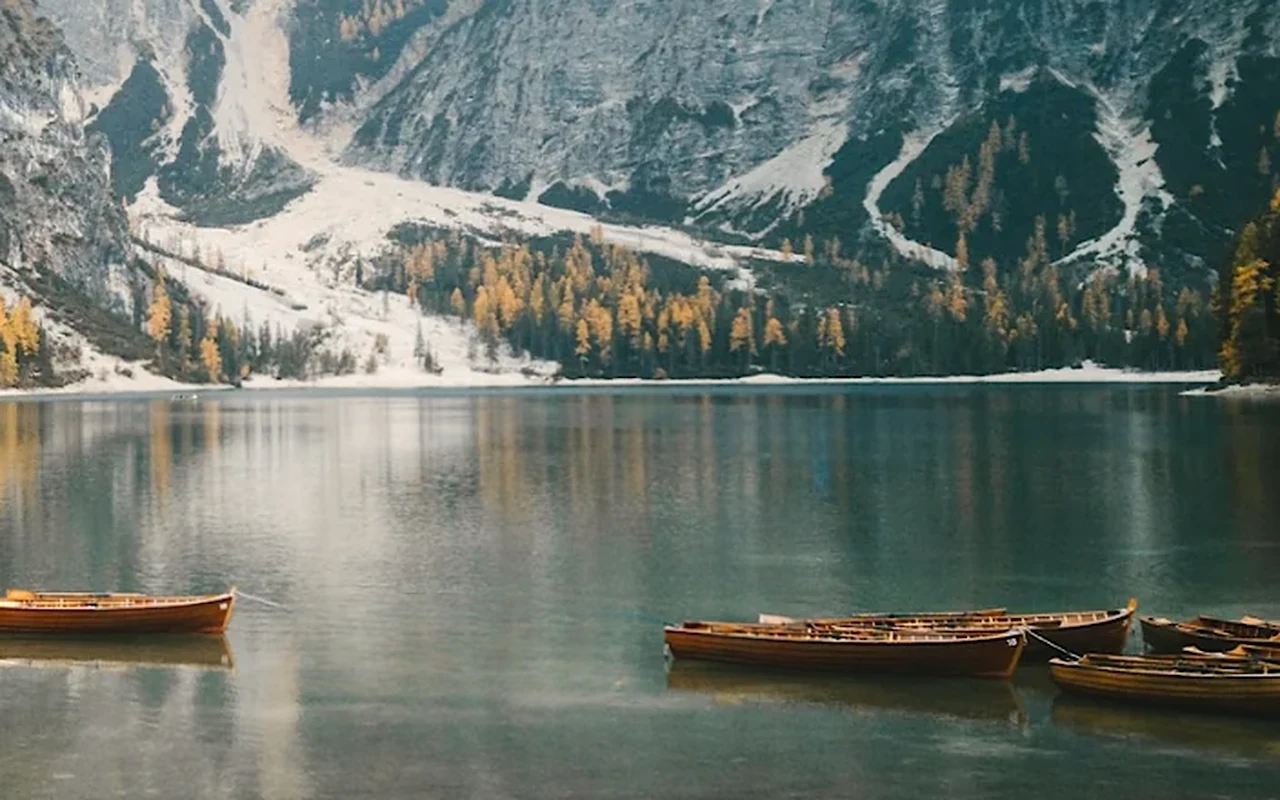
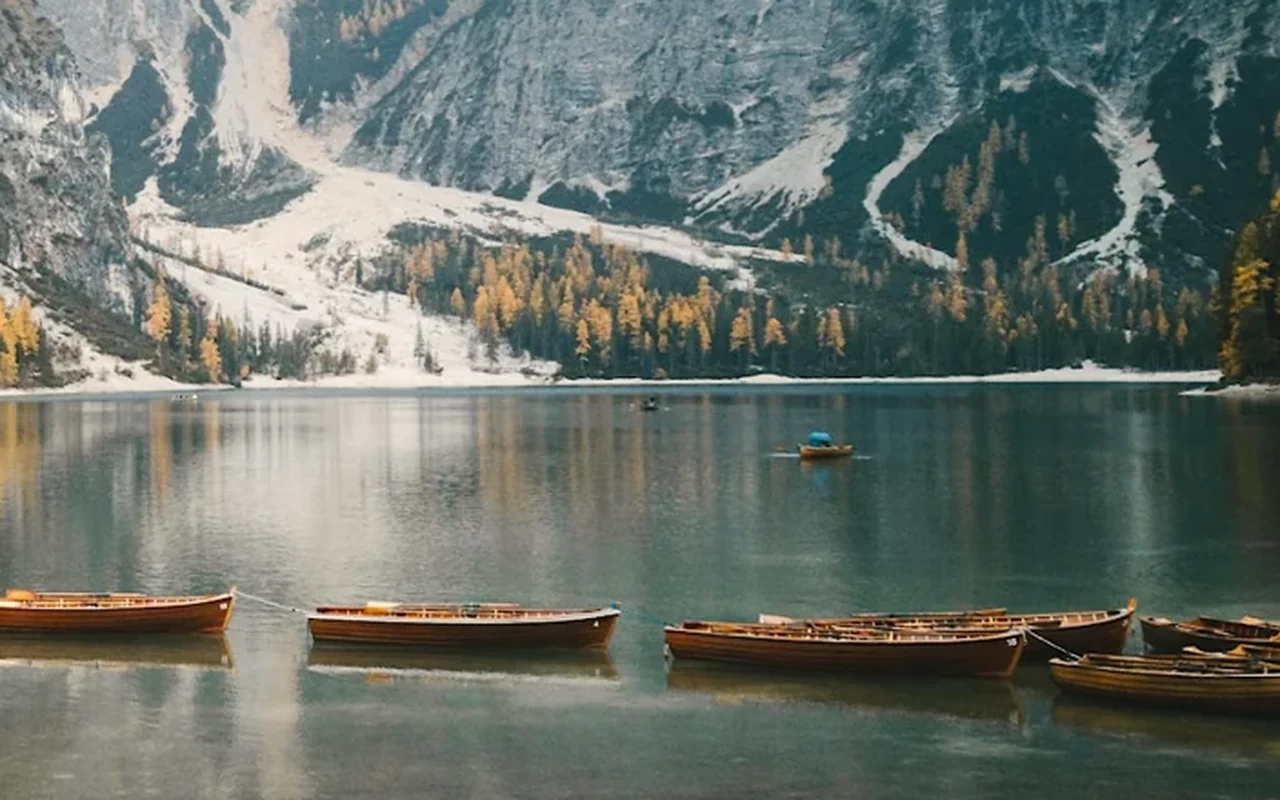
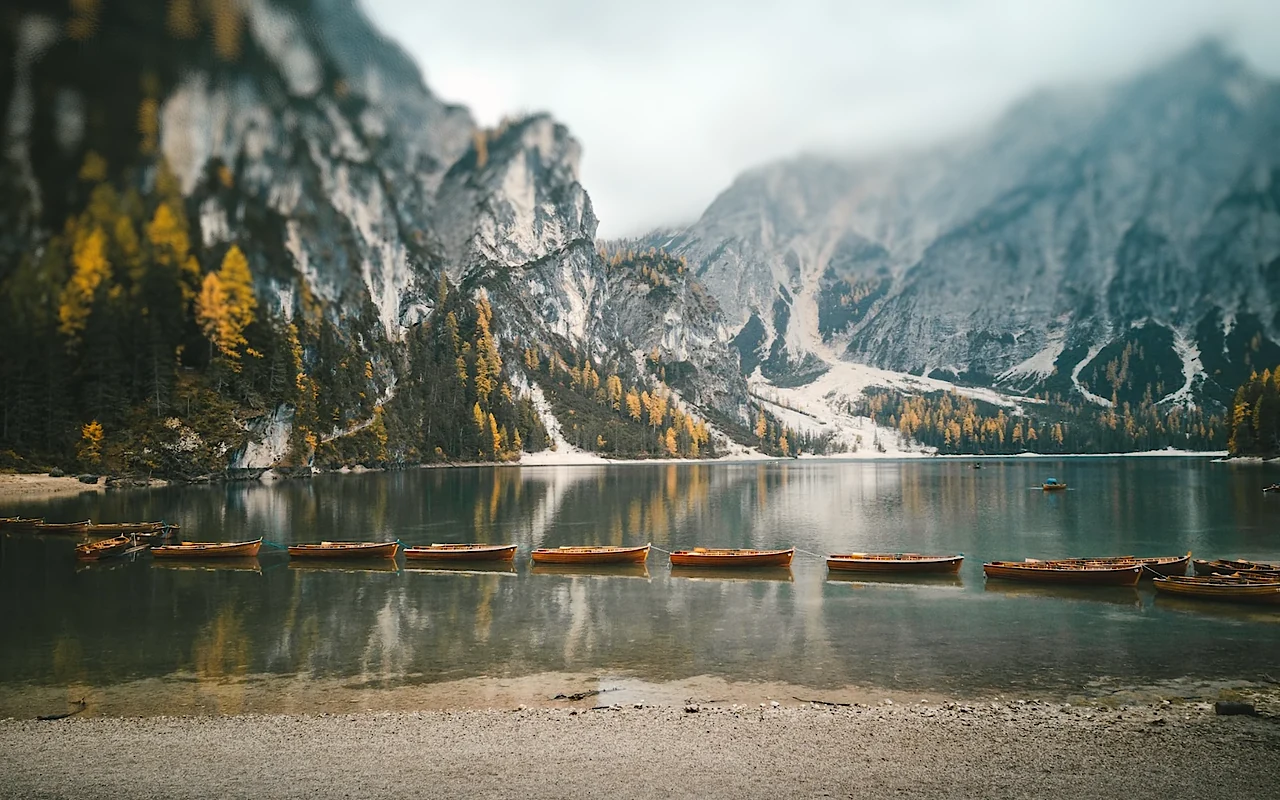
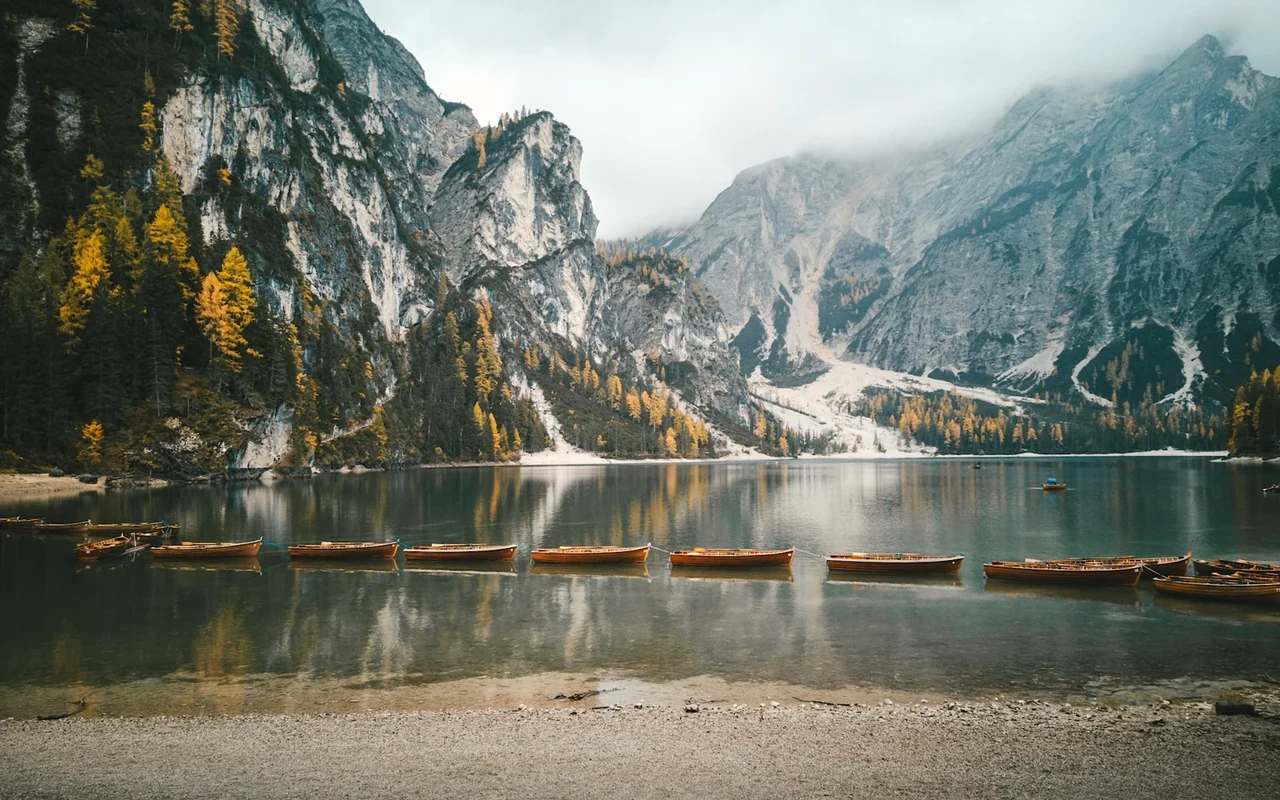
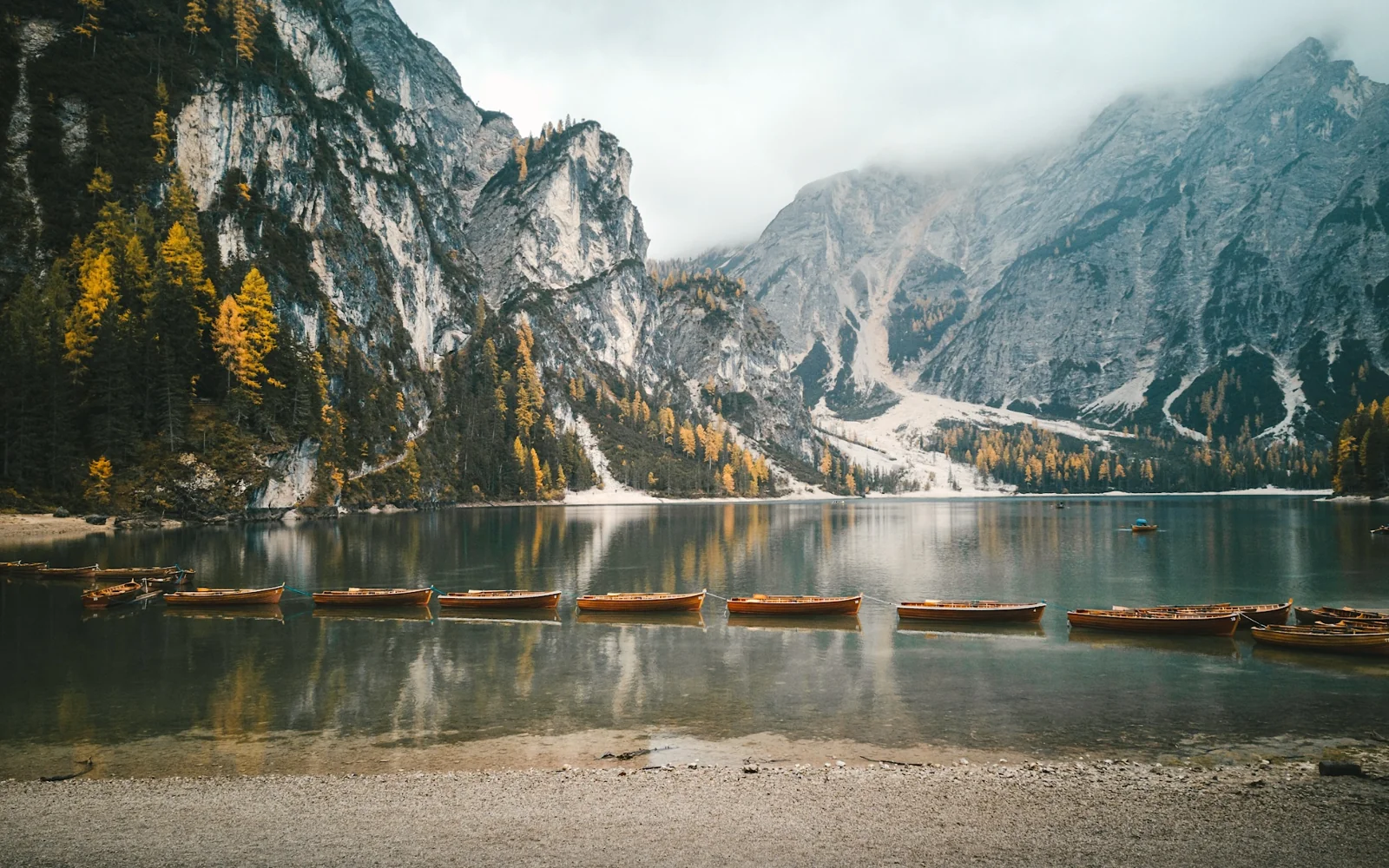
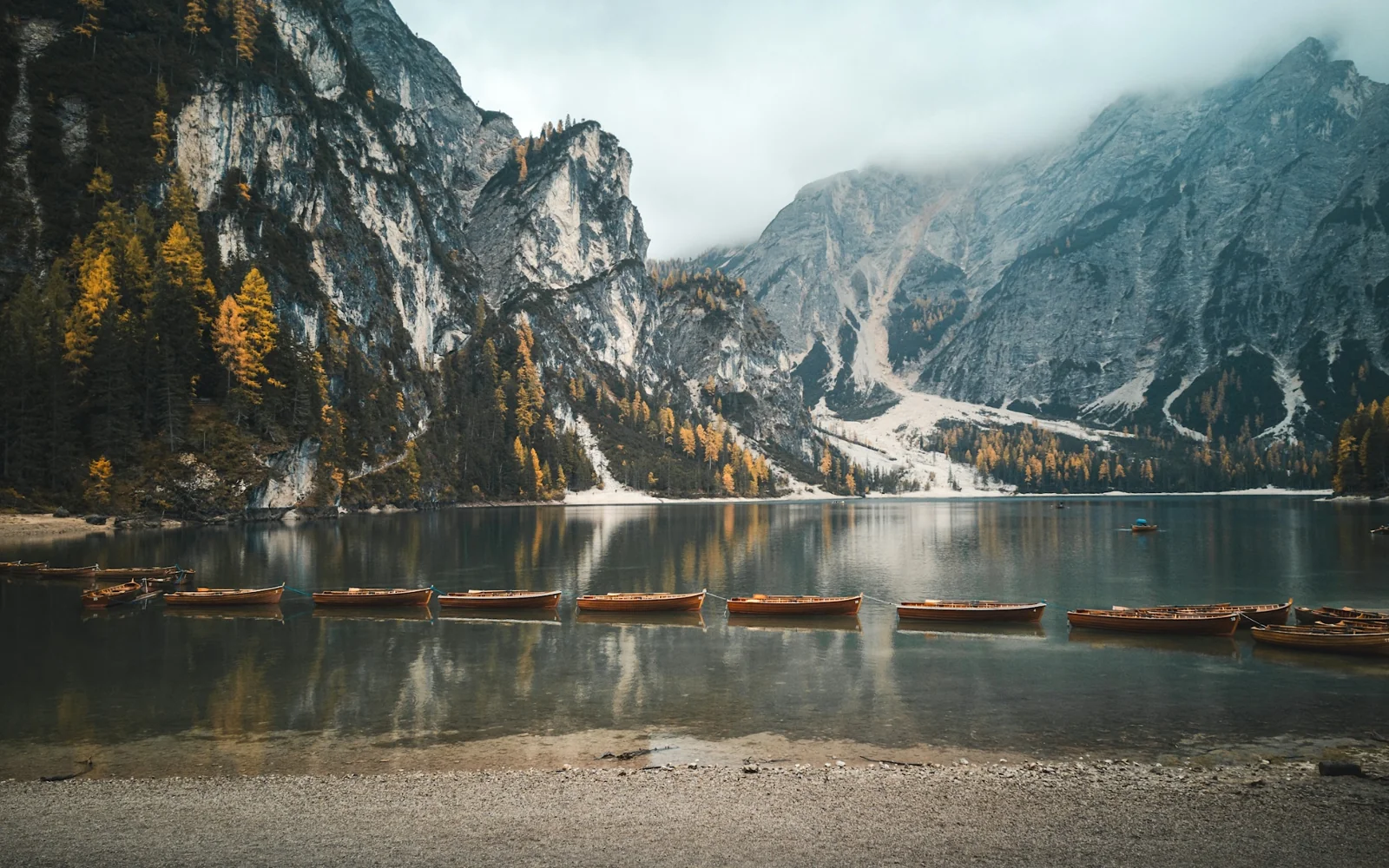
An autumn lake and wooden boats edited with Phos film and tone controls
Fuji 400H 2Film intensity 75% · Exposure +0.10 EV

Drag across the photo to see what changes.
Photo: Willian Justen de Vasconcellos

Explore freely.
Your originals stay original.

Find your look.
Finish every detail.

A photography workflow that connects a look, the finer adjustments and the final file.

Start with the feeling.

Pick a film look or match any reference still into fully editable parameters. Keep the character of the photograph, with a little of your own.

  • 303 film HALD CLUTs & Reference Color Match (0–150% with skin protection)
  • Import .cube LUTs and Lightroom .xmp presets (0–200% strength)
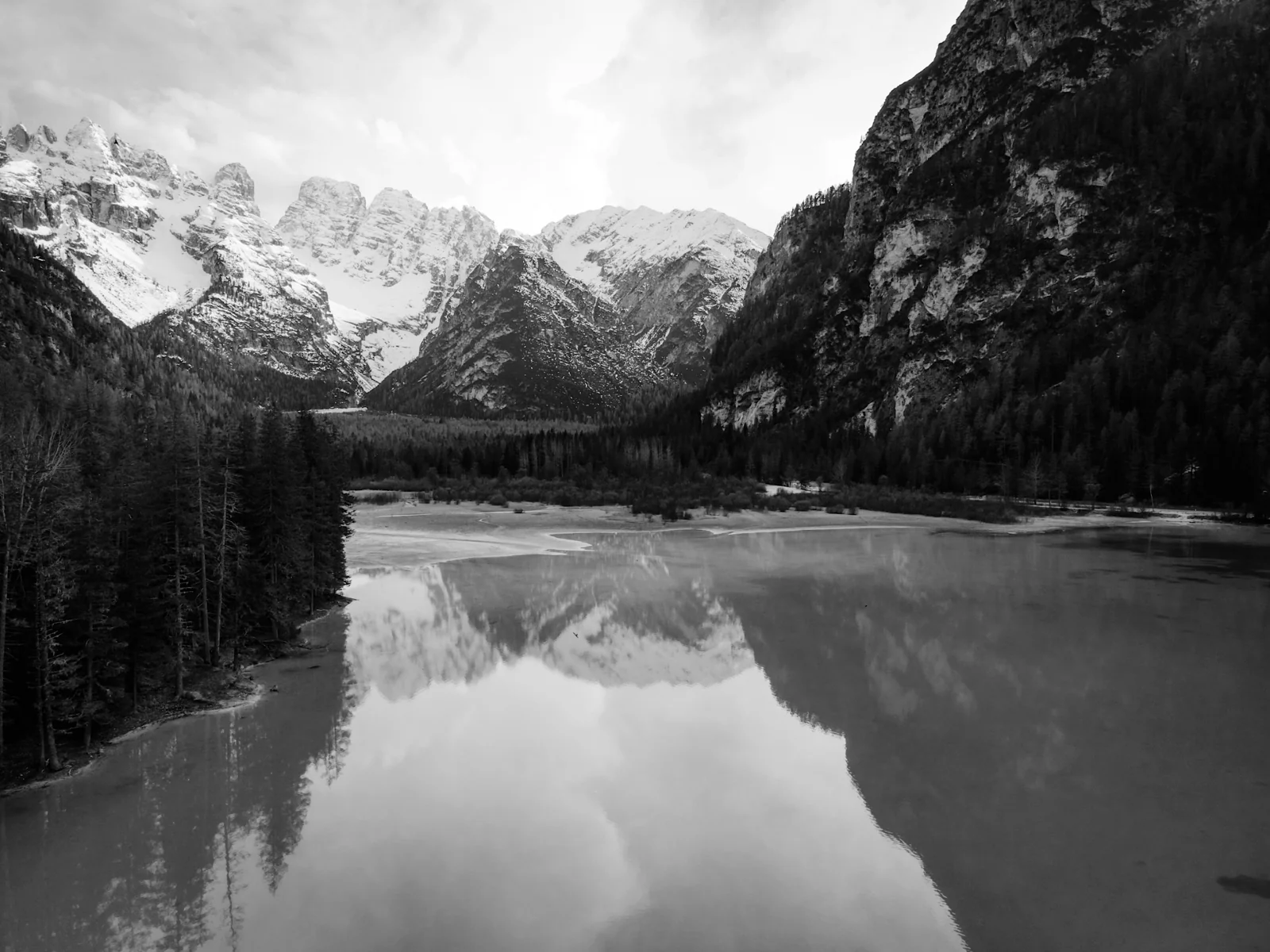
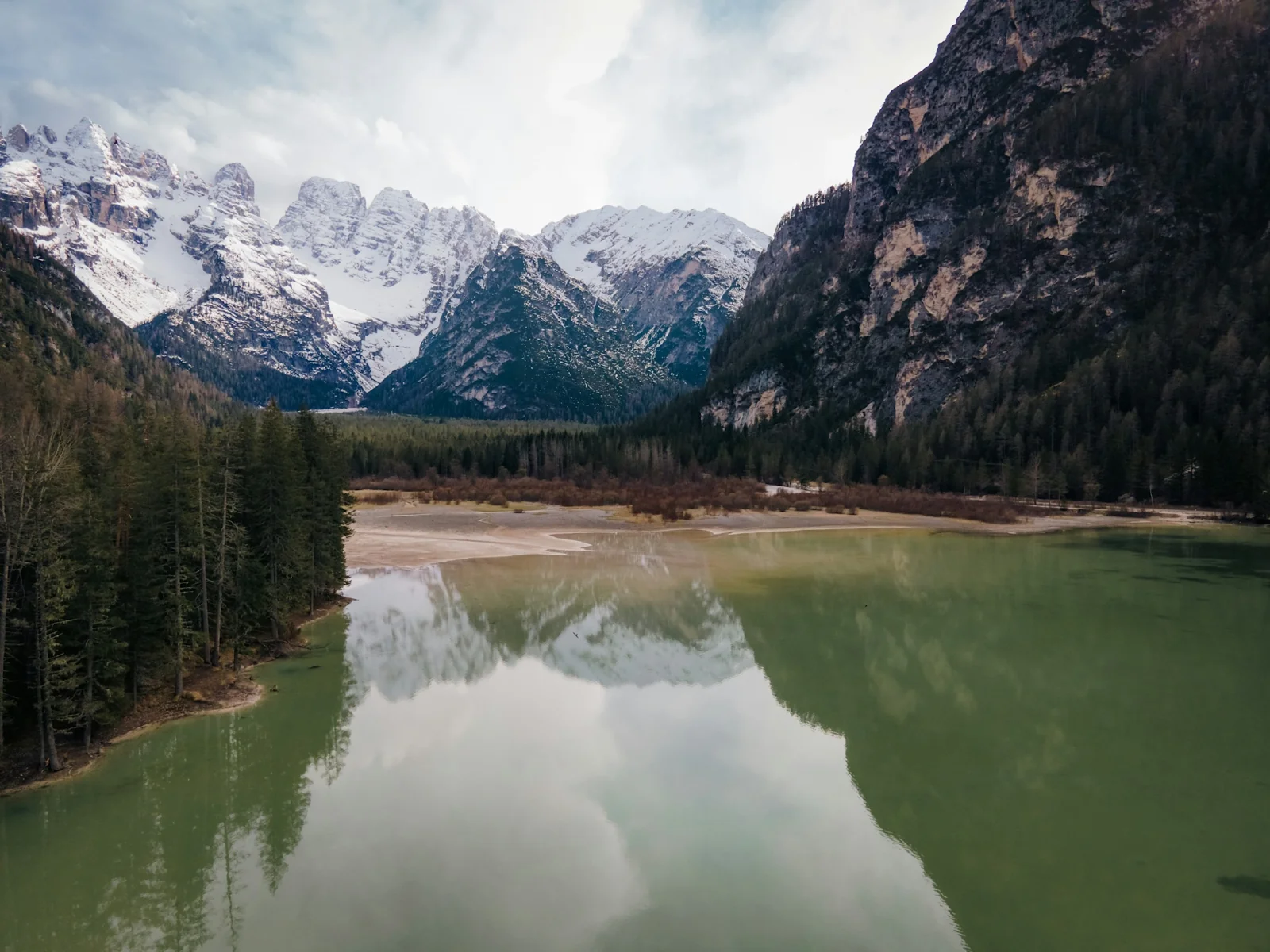
Compare three film looks
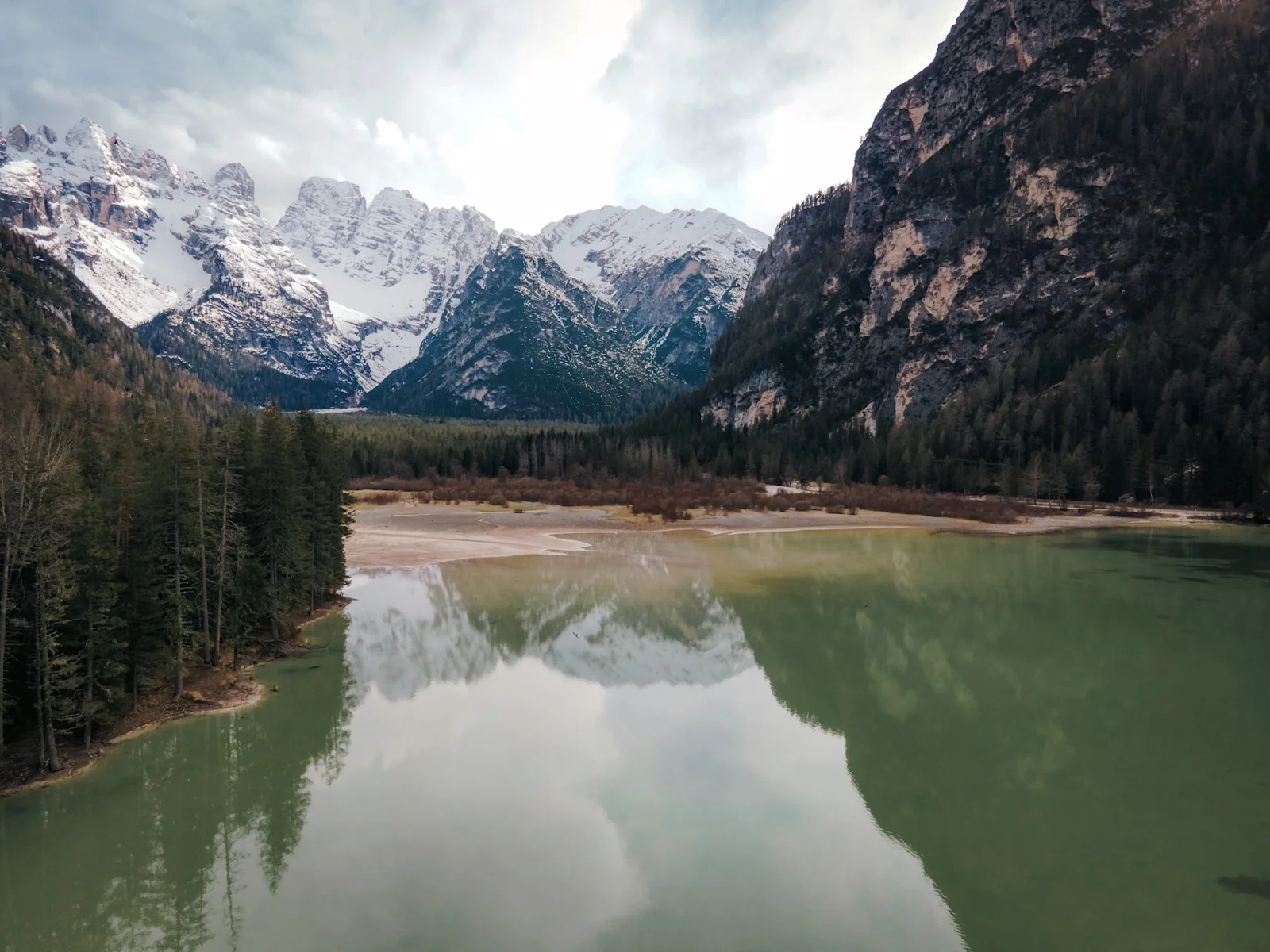
A mountain lake edited with a Kodak Ektar 100 film recipe
Kodak Ektar 100 65% intensity

Give every adjustment its place.

16-bit linear Metal toning, AgX rolloff, five-channel curves and OKLCH Point Color shape the whole image; composite boolean masks, 8-part portrait & sky segmentation, LaMa remove and monocular depth bokeh refine every detail.

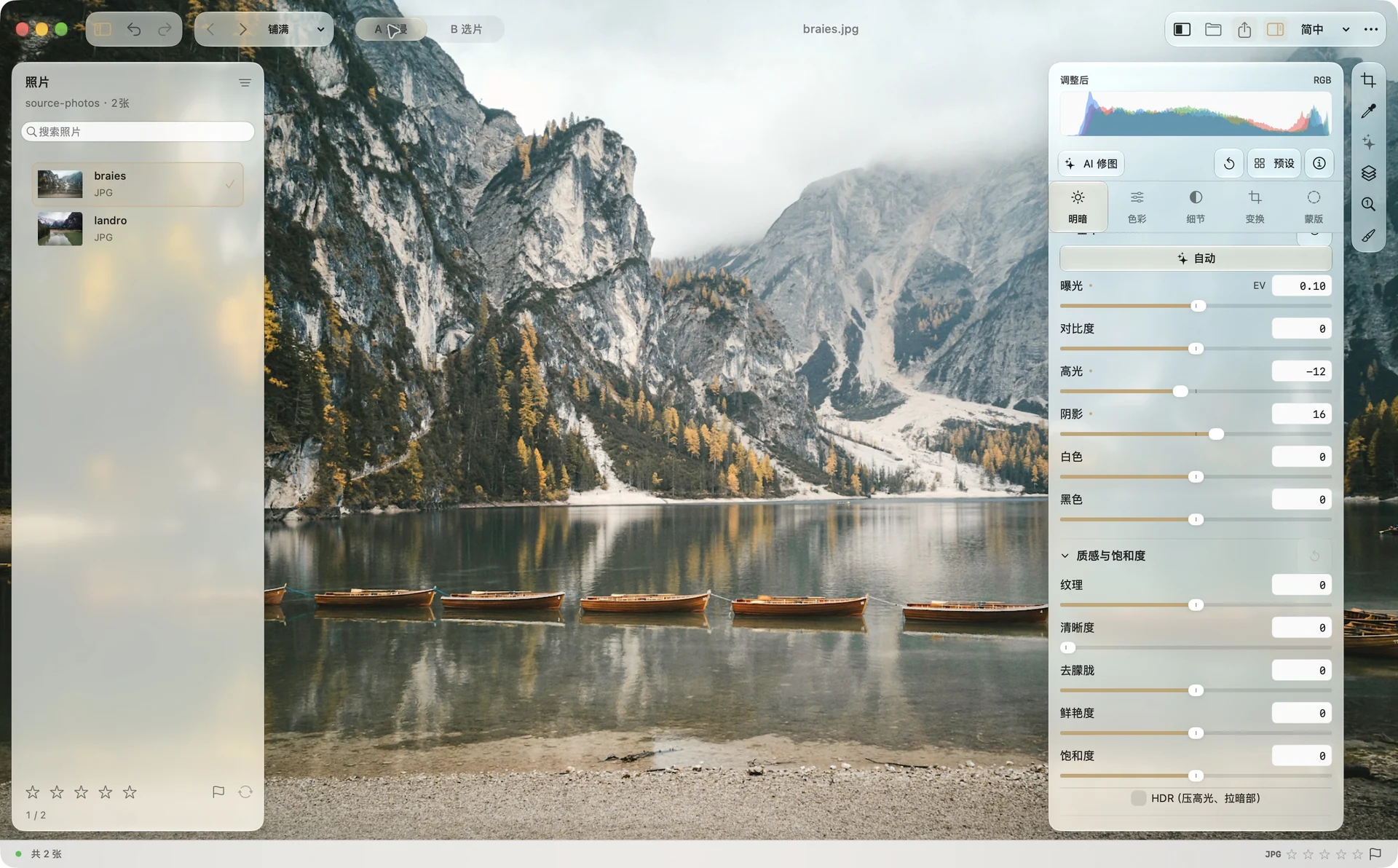
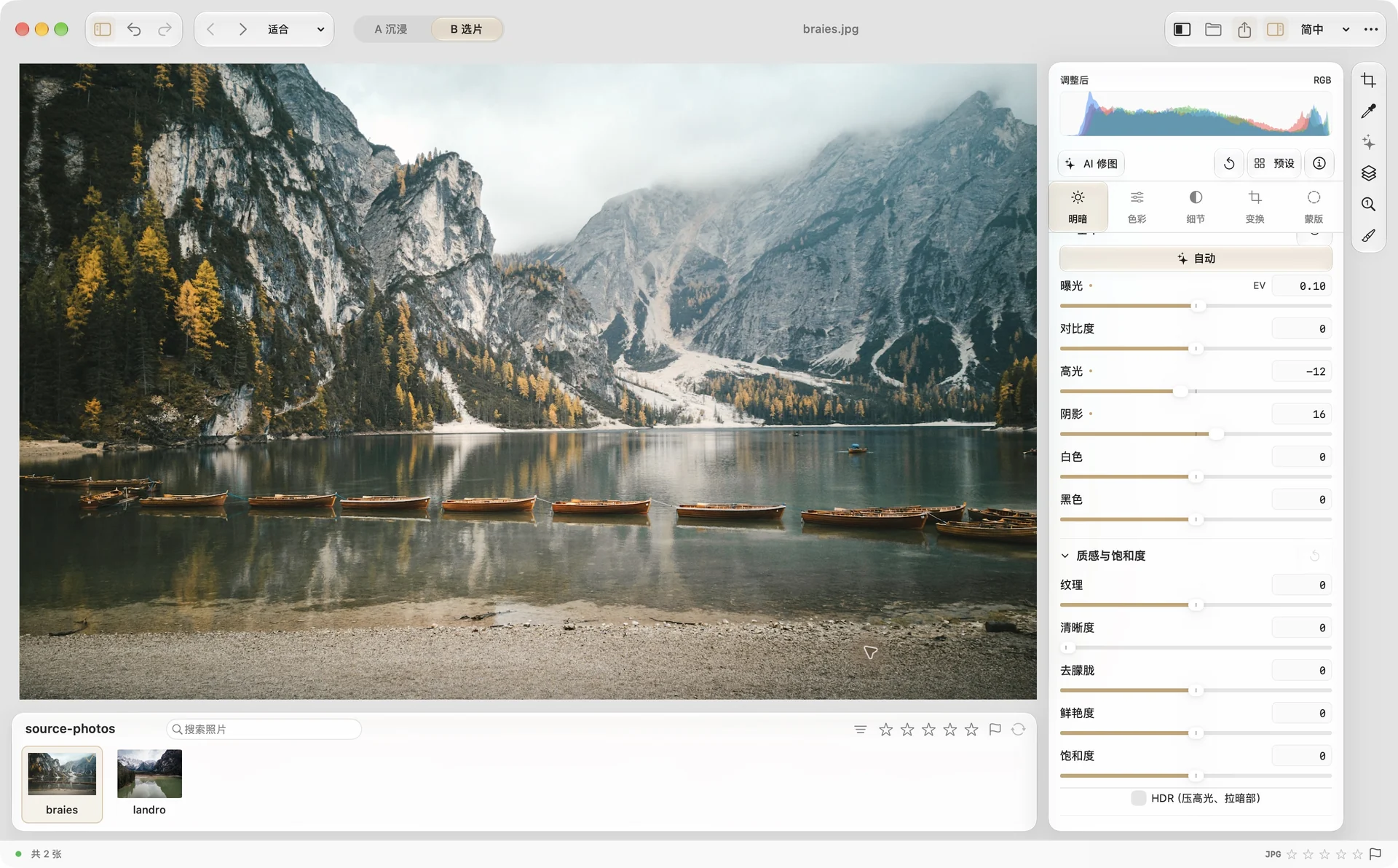
A Immersive
Showing A Immersive. Your image fills the canvas between floating panels.

Two layouts. One shared edit state.

Try the browser editor
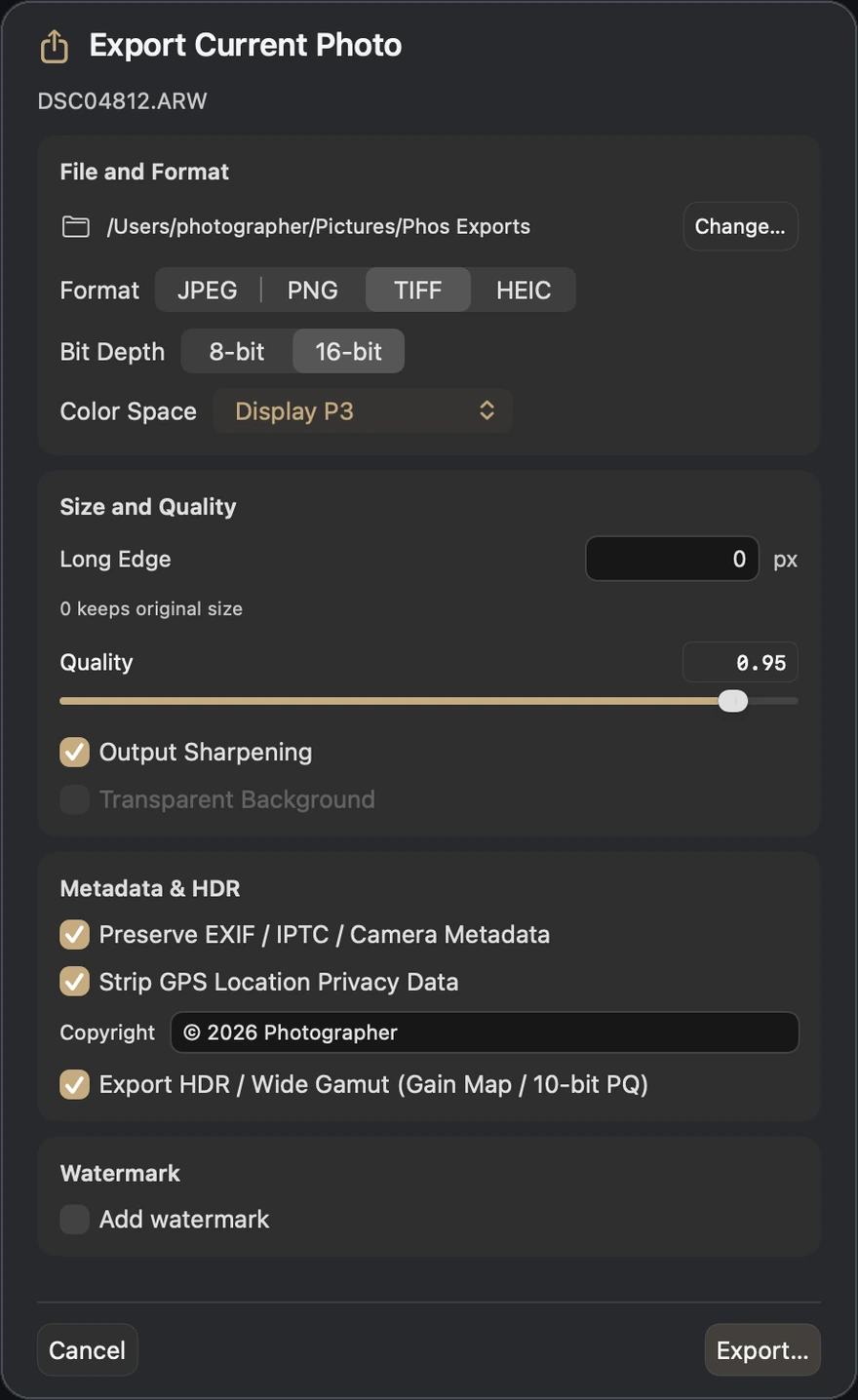
Phos English export sheet showing format, 16-bit Display P3, HDR Gain Map / 10-bit PQ, EXIF/GPS privacy and watermark settings

Finished. Ready for what’s next.

Export one image or a whole selection concurrently. Choose HDR / wide-gamut formats, export 2x Super Resolution, metadata privacy and watermarks.

  • Gain-Map HDR JPEG / 10-bit PQ HEIC / 16-bit Display P3 TIFF & PNG
  • Export-only 2x Super Resolution, long-edge resize and concurrent batch output
  • Keep EXIF/IPTC, optional GPS privacy strip, text and image watermarks
Explore export options
Try an edit: tone, curves, film and masks

Give it a little light.

Move a slider and explore light and color. Try the curve, film looks, and gradient masks to find a feeling you like.

Interactive effect preview

Tone & light

+0.14
+18
−22
+26

Preview histogram

Reading the browser preview…

Color

+8
+6
+16

Tone curve

Drag the dots on the curve to reshape it and the image follows live. Dragging Contrast, Highlights, or Shadows on the Tone tab moves it too. Double-click to reset.

Film look preview

85%

Grain & vignette

22
18

Local adjustments (masks)

Linear gradientdraggable
Radial gradientdrag out an ellipse
Brushpaint by dragging
Color / luminance rangesample on canvas
Subject · Person · Cutouton-device Vision
Depth paintbokeh
+52
0.60
Linear gradient tool active: drag the three dots on the canvas — cyan changes the range, white moves the axis. Settings apply only inside the mask, independent of global adjustments.

Interactive browser illustration using approximate SVG filters. It is not the native Phos RAW pipeline or a performance benchmark.

On-Device Local AI · Zero-Python Out of the Box

Say what you want.
Preview. Then decide.

The pure-Swift Native AI workbench ships ready to use: turn requests or reference photos into fully editable sliders and local masks, accelerate remove / sky / depth / denoise / 2x super res through a 5-slot Core ML Model Hub, or optionally add a local Qwen3-VL MLX model.

  • Pure-Swift Native AI & Reference Color Match

    Zero Python required. Convert editing intent or any reference still into editable Phos parameters with 0–150% match strength and skin protection.

  • Monocular Depth Bokeh, LaMa Remove & 2x Super Res

    Estimate depth on any RAW for polygon-blade & cat-eye optical bokeh; built-in PatchMatch, YCoCg RAW denoise and 2x Super Res upgrade seamlessly via the Model Hub.

  • Preview first, one-step undo

    Every native plan and optional Qwen3-VL (MLX) draft shows a side-by-side preview before applying. One apply equals one undo, and photos never leave your Mac.

Native AI, Color Match, zero-model depth, PatchMatch remove, RAW denoise and 2x Super Res are built in; Core ML slots and Qwen3-VL (~3.1 GB) install separately on demand.

Native AI & Model Hub guide

Input and suggestion example

“Set exposure to +0.20 EV. Keep the other settings unchanged.”
Current lake photograph illustrating the local AI workflow, not an AI after-imageCurrent photograph

Parameter draft · Review required

Suggested exposure
+0.20 EV
Set up the model on your Mac
Input and parameter illustration, not a verified AI after-image. Review the actual result in Phos before applying.

Three on-device AI tools,
rendered by the real engine.

Every pair below was rendered offline on Apple silicon directly by Phos v4.7.1’s Swift, Metal and Core ML engines — no synthetic filters. Drag any divider or tap the buttons to inspect.

Content-Aware Remove

LaMa · Core ML
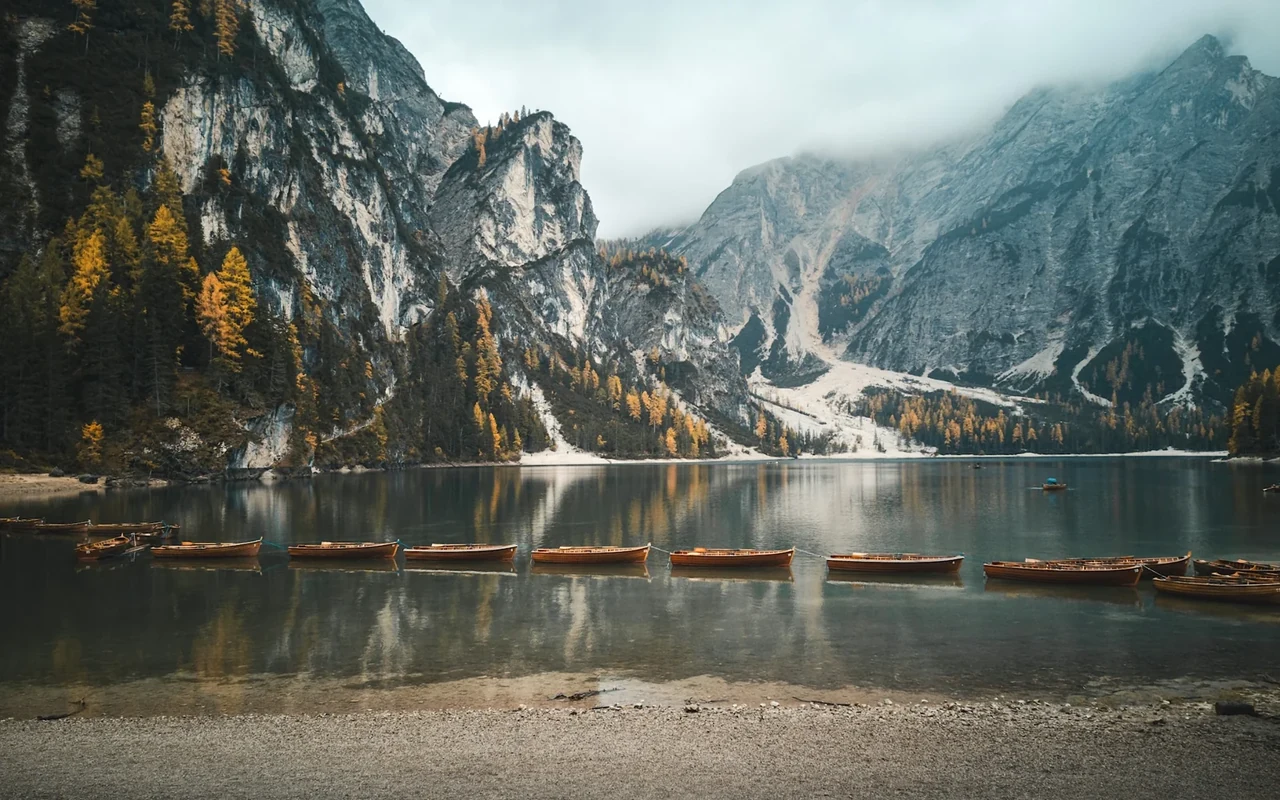
Alpine lake mirror after Phos on-device LaMa removes the tourist boat, distant boat and moored wooden boat

Three strokes cleanly erase the blue-canopy tourist boat, distant skiff and foreground moored boat with its shadow, reconstructing ripples and forest reflections. Built-in PatchMatch works even with zero models installed.

3 strokes · On-deviceElapsed 1.54 s

Reference Color Match

Zero-Model · Editable
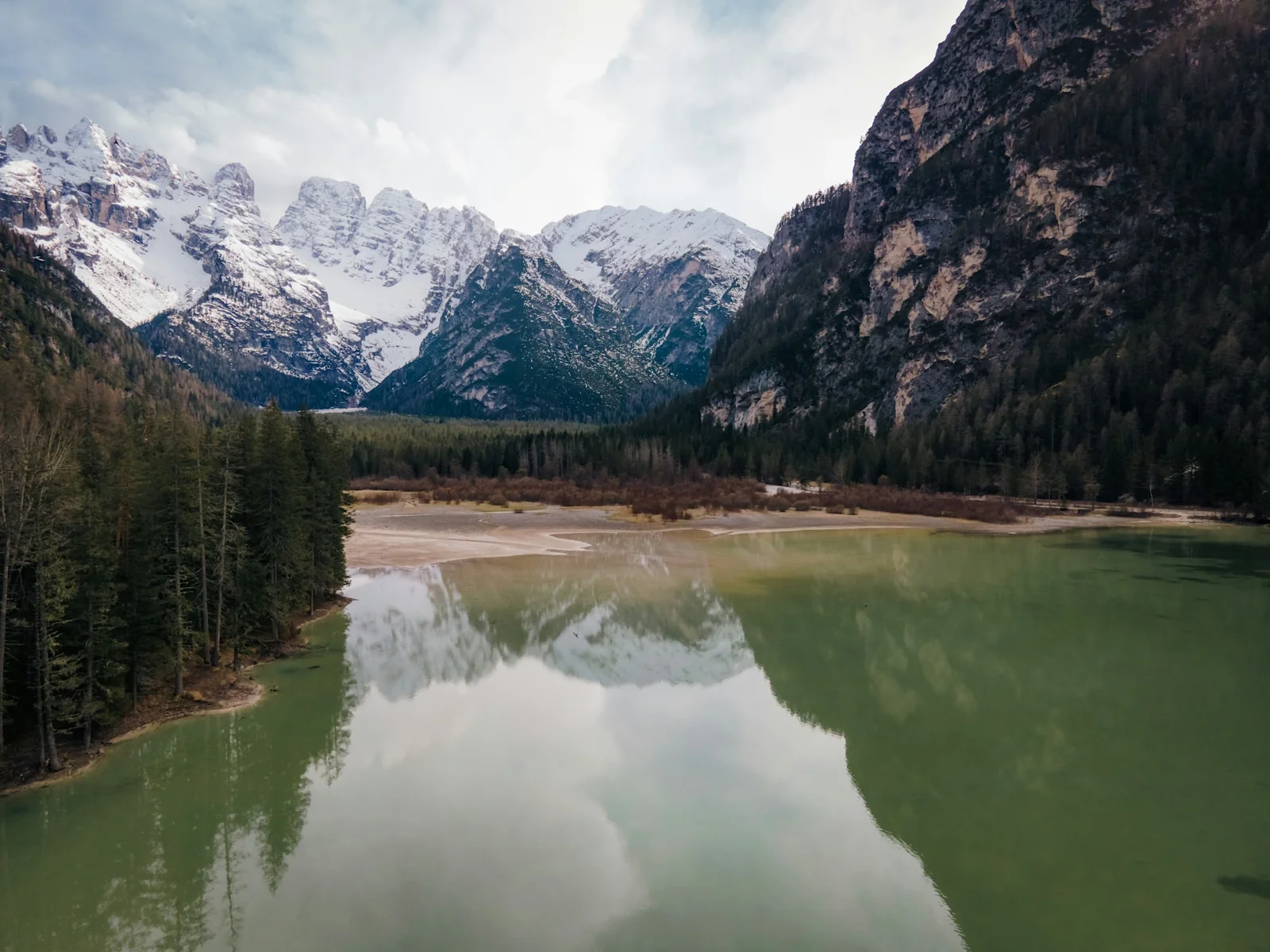
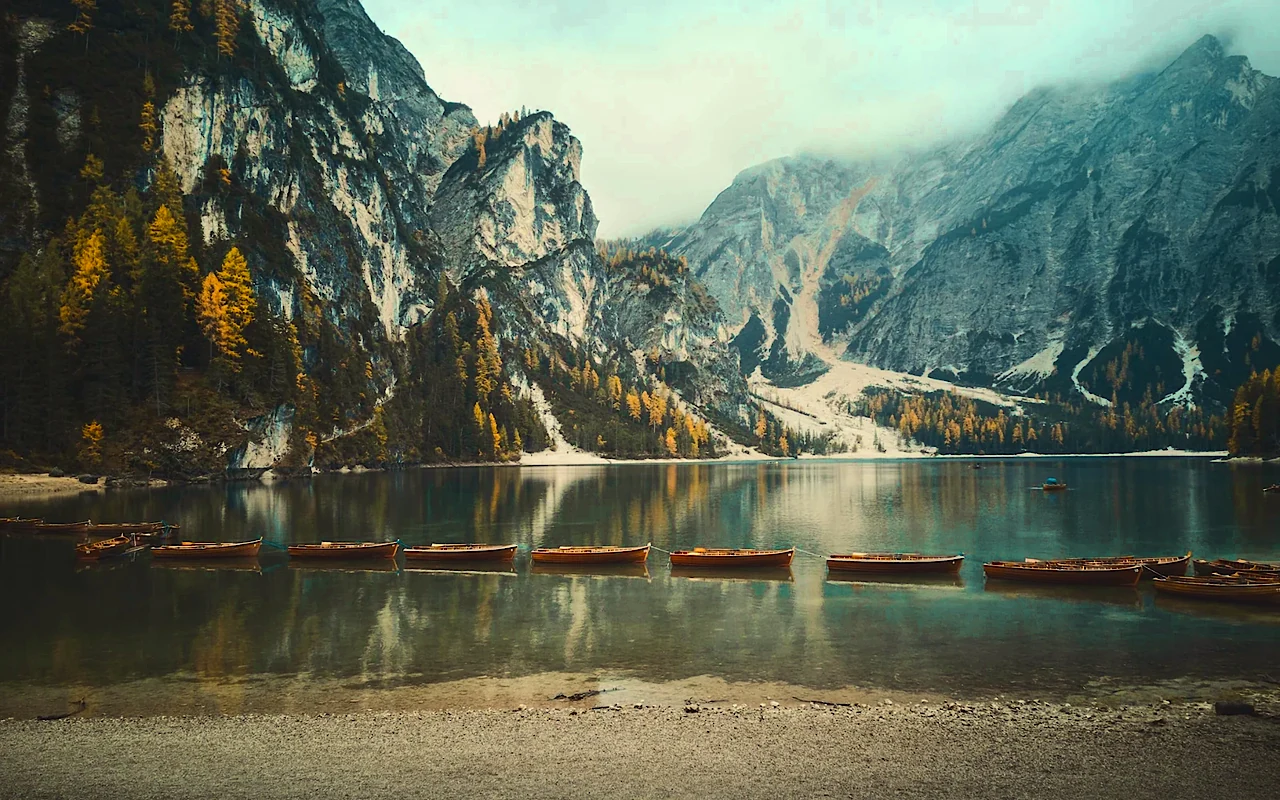
Overcast Dolomites lake matched to a warm golden film still using Phos Reference Color Match

Solves a separate warm-graded mountain lake still in OKLab into 6 real, editable slider panels — White Balance (+28 temp), Basic, Vibrance, Curves, Color Grading and HSL — shown at 68% match strength.

Warm golden film reference stillReferenceΔE 8.23 → 5.36 · 22 ms

Monocular Depth Bokeh

Any RAW · 7 Blades
Phos monocular depth estimation focusing on the foreground wooden boats while softly defocusing distant Dolomites peaks

No dual-lens depth map required: estimates depth from any DSLR or mirrorless frame, locks focus onto the foreground wooden boats, and renders progressive 7-blade polygon bokeh with cat’s-eye falloff on distant peaks.

Depth 171 ms · Built-inBlur 70 · Cat’s-eye 36

The details.
All within reach.

From a curve to a final export, go further where you need to.

Phos vs Lightroom Classic.
An honest comparison.

Both are serious RAW tools, built around different trade-offs. Here is where each one fits best.

Dimension Phos (v4.7.1) Adobe Lightroom Classic
Pricing & License Free & open source (MIT). No account, no subscription, no paid tier. Paid monthly/annual subscription requiring an Adobe account and periodic online check-ins.
Files & Privacy Folder-based with sidecars (.rawforge.json + bidirectional Adobe .xmp). No locked catalog; photos never leave your Mac. Centralized catalog database built for very large multi-drive commercial archives and optional cloud sync.
Color & Tone Engine 16-bit extended linear Metal (20 compute kernels), EDR/HDR preview, AgX rolloff, OKLCH Point Color, 303 film CLUTs and LR .xmp preset import (0–200%). Mature Camera Raw engine with broader commercial camera profiles, Print/Book modules and third-party plugin ecosystem.
Masks & On-Device AI Zero-Python out of the box: boolean sub-masks, 8-part portrait & sky segmentation, Reference Color Match, any-RAW monocular depth bokeh, LaMa remove, RAW denoise & 2x Super Res (5-slot Core ML Hub). Polished commercial Adobe AI Denoise, Generative Remove (cloud-assisted) and fine portrait masking ready out of the box.
Culling & Footprint 8.8 MB native Swift/AppKit app; Grid/Compare/2–4 Up Survey/Reference views, Smart Culling (eyes, sharpness, bursts) and bilingual semantic search. Built for tens-of-thousands-photo DAM catalogs, live camera tethering and complex smart collections / publish services.
Platforms & Signing Focused on macOS 26+ Apple silicon (separate experimental Windows port, no iPad app yet). Ad-hoc signed — requires one-time macOS approval. Full ecosystem across macOS, Windows, iPad, iPhone and Web, with official notarized builds.

If you rely on cross-platform cloud sync, camera tethering or massive commercial catalogs, Lightroom Classic remains the established standard. If you want a fast, subscription-free, folder-based Apple-silicon RAW studio with 16-bit Metal rendering and on-device AI, Phos is built for that workflow.

A few things to know.

Is Phos free?

Free and open source under the MIT license. No subscription, no in-app purchases, no account, and no “Pro” tier.

Which macOS versions and Macs are supported?

macOS 26.0 or later on an Apple-silicon (M-series) Mac. Since 3.2.5 the minimum is 26.0, up from 15.0; on older systems, keep using 3.2.4. Only Apple-silicon builds are provided — Intel Macs aren’t supported yet.

Which cameras’ RAW files are supported?

Phos uses macOS’s built-in RAW decoding (Core Image and ImageIO), so any RAW file that Preview can open can be edited — including mainstream formats from Canon (CR2 / CR3), Nikon (NEF), Sony (ARW), Fujifilm (RAF), and Adobe DNG.

Support for newer cameras depends on whether the macOS version you’re running already includes a decoder for that model.

Are my photos uploaded? What is the network used for?

No. Photos are processed entirely on your Mac — no cloud, no account, no telemetry.

The only network activity is a single check of the latest version number at launch; the request contains nothing about you, your photos, or this Mac.

How is it different from Lightroom?

Phos is local-first and open source: no subscription, no locked catalog, no forced cloud sync. Open any folder on a 16-bit extended linear Metal/EDR pipeline with OKLCH Point Color, composite boolean & 8-part portrait masks, and zero-Python on-device AI (Reference Color Match, monocular depth bokeh, LaMa remove, 2x Super Res).

It also reads and writes bidirectional Adobe XMP sidecars and imports Lightroom .xmp presets (0–200% strength), built for personal workflows where photos stay entirely on your Mac.

What if macOS blocks Phos on first launch?

This is the standard prompt every app without Apple notarization gets — not something specific to Phos. Double-click Phos → click “Done” → open System Settings → Privacy & Security → scroll to the bottom and click “Open Anyway”.

You can also run xattr -dr com.apple.quarantine /Applications/Phos.app in Terminal to remove the quarantine flag for good.

Does it support batch processing?

Yes. Grid (G), Compare (C), 2–4 Up Survey (N) and Reference (⇧R) views pair with on-device Smart Culling (eye-closure, sharpness, burst best), bilingual semantic search, Virtual Copies, multi-select adjustment sync and bounded-concurrent batch export (including 2x Super Res and watermarks).

Is there a Windows or iPad version?

The macOS app is the primary platform. Windows has a separate experimental port (4.4.0, ported from the macOS 4.4.0 source), maintained separately from macOS: Apple’s Vision and Core Image are replaced with local implementations, on-device AI needs a one-time base-model download prepared in-app, and it isn’t code-signed. It’s available from the downloads section.

An iPad version is still being assessed for feasibility, with no releasable timeline.

How can I report issues or contribute?

File an Issue or a Pull Request at the GitHub repository. The project is written in Swift, built on Metal, Core Image, Vision, Core ML, and AppKit.

Full installation & download help

Your next photograph.
Your own way.

Free and open source. Open a folder and start with a photograph you know.

Download Mac

macOS 26+ · Apple silicon · First launch requires manual approval

Windows users: see the experimental build.